人人经验网
首页
美食营养
生活百科
知识问答
生活知识
返回
人人经验网
首页
美食营养
游戏数码
手工爱好
生活知识
生活百科
健康养生
运动户外
职场理财
情感交际
母婴教育
时尚美容
知识问答
更多知识
搜索
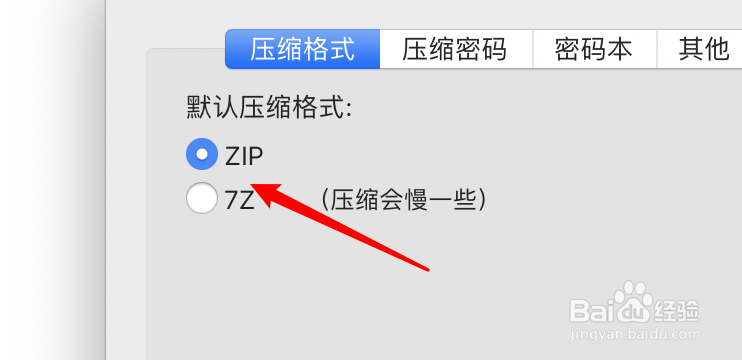
mac解压工具Oka怎么设置默认压缩格式为7Z?
2026-04-26 12:12:42
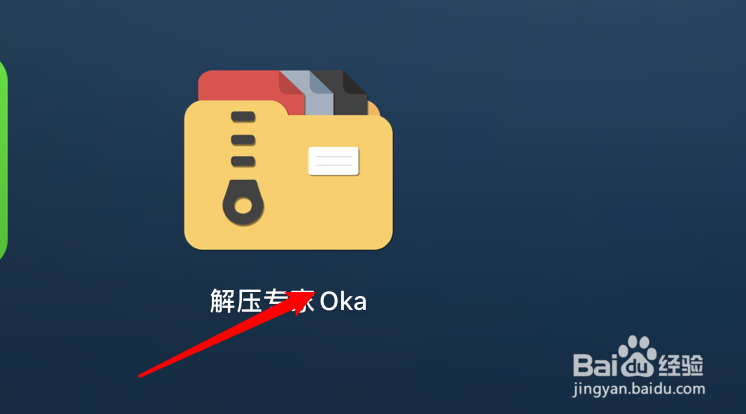
1、打开Oka。
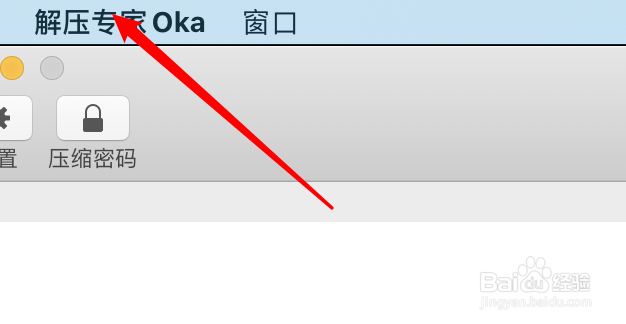
2、点击第一个菜单。
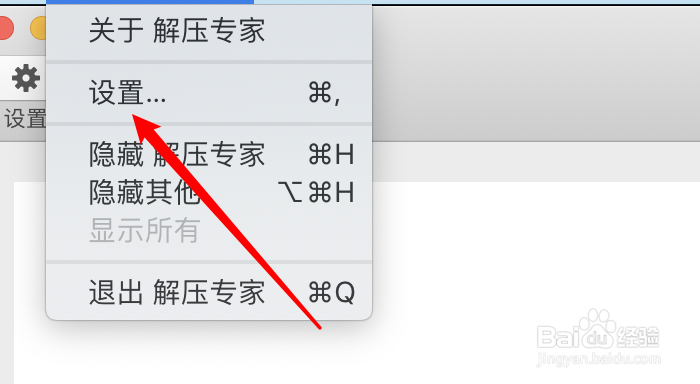
3、点击设置。
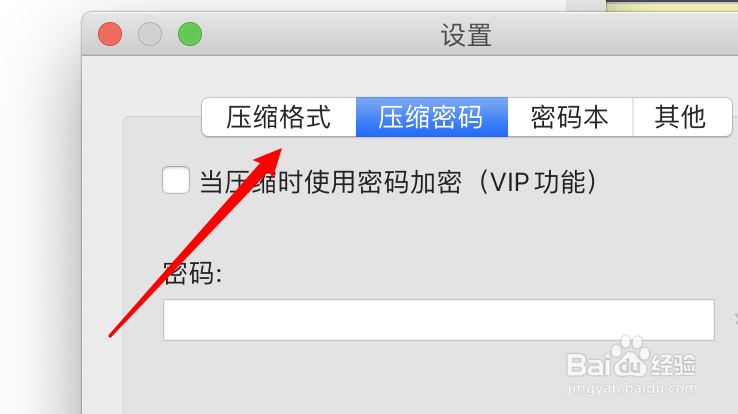
4、点击压缩格式。
5、默认是Zip,点击7Z选项。
6、选中后就可以了。
相关推荐
WeGame怎么将英雄联盟添加至游戏列表
阅读量:62
回顾2021展望2022口号有哪些
阅读量:27
腾讯对战平台怎么用腾讯qq对战游戏平台怎么样玩
阅读量:187
黄龙山原矿紫砂壶如何鉴别
阅读量:40
电器的绝缘电阻一般要求多大
阅读量:188
猜你喜欢
自动挡汽车怎么开
word怎么画图
china怎么读
163邮箱怎么改密码
苹果怎么下载音乐
烧纸怎么写
怎么制作网页
怎么找人
被虫子咬了怎么办
爱奇艺怎么下载电视剧
猜你喜欢
怎么投稿
牙痛怎么快速止痛药
微信怎么删人
天猫积分怎么用
怎么做表格教程
微星主板怎么样
大括号怎么打
怎么样瘦大腿
眼睛长了麦粒肿怎么办
怎么测排卵期