CSE Validator怎么关闭在输出中包含文档源
1、点击菜单中的tools菜单

2、弹出了下拉菜单选择tools options选项

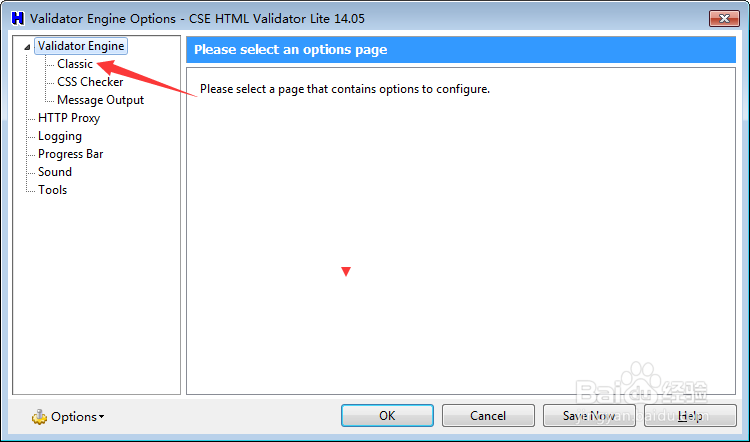
3、然后点击左侧中classic选项
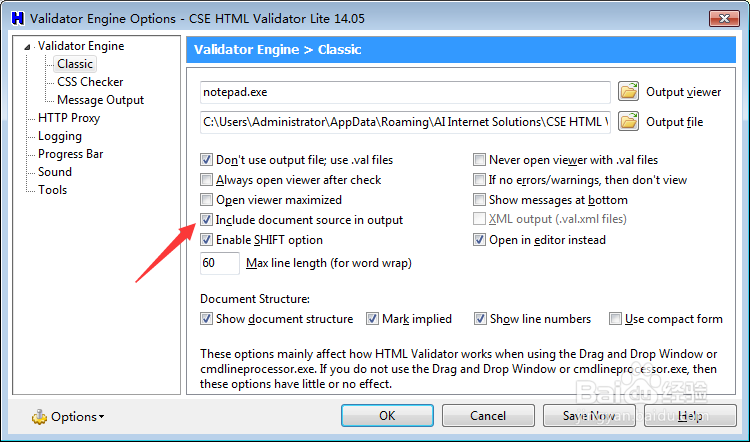
4、去掉勾选include document source in output选项
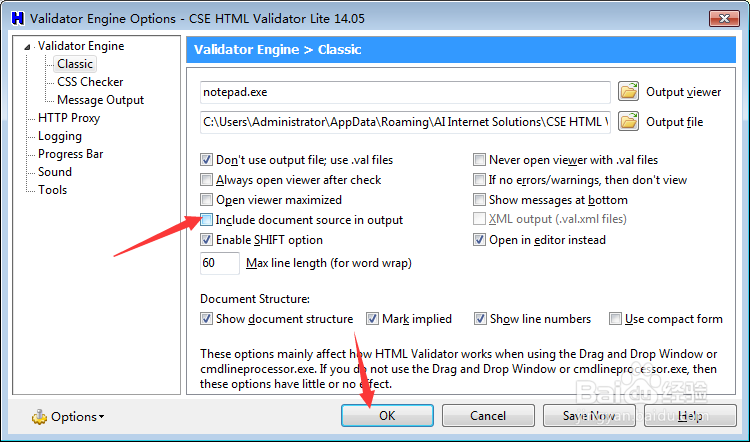
5、去掉勾选include document source in output选项之后,点击ok
阅读量:37
阅读量:101
阅读量:81
阅读量:134
阅读量:74
1、点击菜单中的tools菜单
2、弹出了下拉菜单选择tools options选项
3、然后点击左侧中classic选项
4、去掉勾选include document source in output选项
5、去掉勾选include document source in output选项之后,点击ok